HTTPS and SSL certificates explained for small businesses
If your website shows as "Not secure", you lose clients and rankings. Here is what HTTPS is, what the SSL certificate does and why today it should be free.
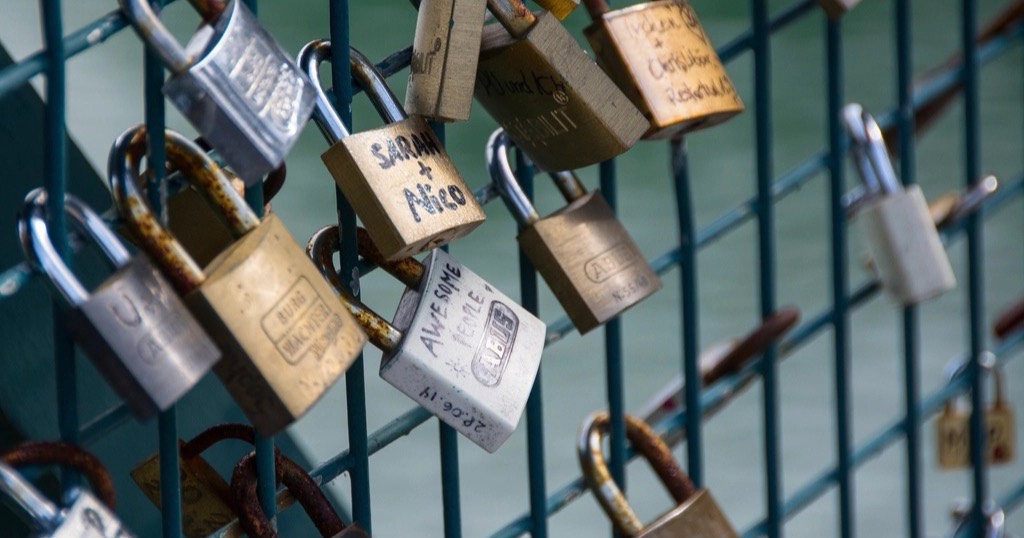
Have you ever seen "Not secure" next to a website address? Browsers show it when the page does not use HTTPS, in other words when it lacks a properly installed SSL certificate. For a business it is a real problem: many people close the tab without reading anything else, especially if there is a form involved.
What HTTPS is and what the SSL certificate does
HTTPS is the secure way to connect to a website. Everything travelling between the visitor's browser and your website (what they type in a form, for example) is encrypted, so nobody along the way can read or alter it.
For a website to work over HTTPS it needs an SSL certificate (technically called TLS today, but everyone still says SSL). The certificate proves the website is who it claims to be and makes encryption possible.
Why it matters for your business
- Trust: the padlock (or the absence of a warning) reassures first-time visitors.
- Forms: if someone leaves their phone number or email, you are responsible for protecting it.
- Google: uses HTTPS as one of its signals and prefers to show secure websites.
- Modern features: many browser features (location, some payment methods, some integrations) only work over HTTPS.
What an SSL certificate costs
Today, in most cases, nothing. Free, automatic certificates have existed for years (Let's Encrypt is the best known) and they renew themselves. Good hosting services switch them on without you doing anything.
There are paid certificates with extra validation, aimed at banks or large companies. For a clinic, a school or a studio, they add nothing your clients will notice.
If your provider charges you every year for "the SSL", ask what exactly you are paying for.
How to check your website uses HTTPS properly
- Type your address starting with http:// (no s). It should take you to https:// automatically.
- Try with www and without: both should end up at the same secure address.
- Check that no browser warning appears, including on inner pages.
- If you have several domains (.com and a country domain), check the secondary one also redirects over HTTPS.
If any of these fail, it is usually a missing redirect setting, not something expensive to fix.
Common mistakes
Mixed content
The page loads over HTTPS but an image or script loads over HTTP. The browser may block it or drop the padlock. It happens a lot on old websites that were half-migrated.
Expired SSL certificate
If the certificate is not renewed, the browser shows a warning screen that scares anyone off. With automatic renewal it does not happen.
Only works with www (or without)
One of the two names has no certificate and shows an error. Both must be covered, with one chosen as the main address.
In short
HTTPS is not an extra: it is the bare minimum. It should be free, automatic and correctly set up with and without www. It comes as standard on every website I build at Nueva Página, along with everything else a website needs to start on the right foot with Google. See what is included in how I work.
How an SSL certificate renews itself
Free certificates last a short time, usually a few months, precisely so they renew often. What matters is that renewal is automatic: your hosting requests a new certificate before the old one expires, without you doing anything. Most of these certificates come from Let's Encrypt, a non-profit certificate authority.
If your provider makes you renew it by hand or charges you for it every year, it is worth asking why. In addition, check now and then that the website opens with a padlock both with and without www. That way you avoid the most common mistake: a certificate that works on one version and not the other. Google's web.dev team explains why HTTPS matters in more detail. And if you are thinking of changing hosting, see what is web hosting. A well-configured SSL certificate should never give you a headache.
Frequently asked questions
Does HTTPS make my website impossible to hack?
No. It protects the connection, not the website itself. A website with outdated plugins can have a padlock and still be vulnerable.
Do I need to do anything when the SSL certificate expires?
With an automatic certificate, no: it renews itself. With a manual one, yes, so note the date.
Does HTTPS slow my website down?
In practice no; with current technology it can even be faster, because it allows modern versions of the protocol.
Is the SSL certificate included in the website?
Yes, on every Nueva Página website, free and with automatic renewal. It is listed with everything else in how much a website costs.