Photos for your website: how to get good images without spending much
Photos for your website: how to shoot them well on a phone, when to hire a photographer and how to prepare them so they build trust and load fast.
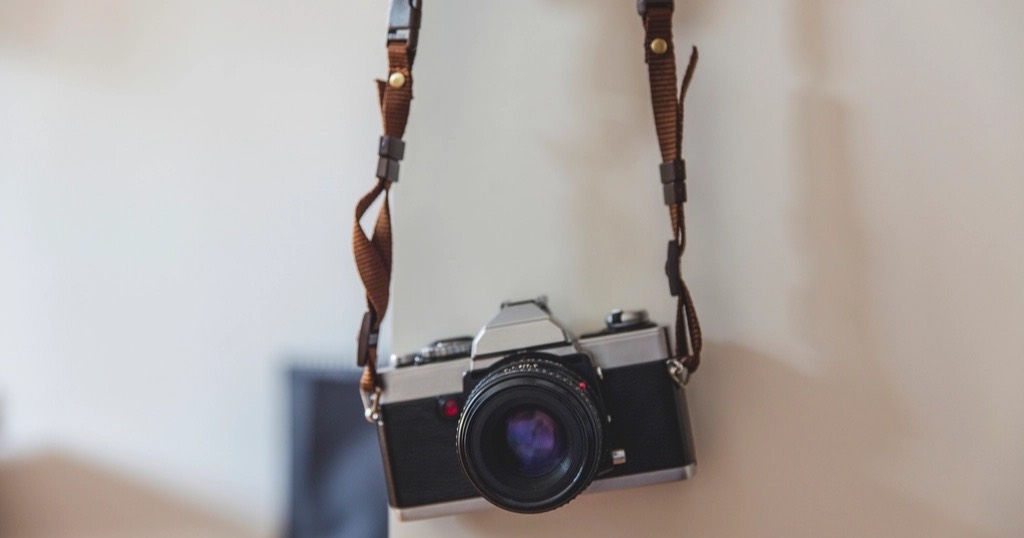
Photos are the first thing people see on your website and often what makes them stay or leave. A real photo of your premises, your team or your work builds more trust than any perfect stock image. And you do not always need a big budget to get them.
Real photos for your website beat stock
Stock photos (smiling people in generic offices) are instantly recognisable and say nothing about you. So if someone sees the same image on your website that they saw on three others, they become wary. Whenever you can, use your own photos.
Which photos your website needs
- You or your team, looking at the camera, in good light.
- Your premises: the outside (so people find you), reception, workspace.
- Your work: results, processes, details.
- Atmosphere: something that conveys what it is like to be there.
Shoot them with your phone (properly)
Today's phones take more than good enough pictures if you take care of the basics:
- Natural light, from the front or side, never backlit. Morning or an overcast sky is best.
- Clean the lens. Obvious, and the cause of many blurry photos.
- Tidy the background: remove cables, boxes and distractions.
- Landscape for headers, portrait for portraits.
- Take many and choose few.
- No heavy filters or digital zoom.
When to hire a photographer
If your business sells on visuals (hospitality, beauty, holiday rentals, fashion, photography) or you need professional portraits, a session with a photographer is one of the best investments in your business. Half a day, well planned, gives you photos for your website, Google profile and social media for quite a while.
Prepare photos for your website
A phone photo weighs several megabytes. Uploaded as is, it slows the website down. You need to:
- Crop to the framing that will be used.
- Resize to the real on-screen size.
- Compress in modern formats (WebP or AVIF).
- Generate several sizes so phones download the small one.
More in website speed. On Nueva Página websites I handle this: you send the pictures as they are and they come out optimised.
Alt text
Every important photo should have a description ("Treatment room with a bed by the window"). This way, it helps screen reader users and helps Google understand your images. More in web accessibility.
Image rights
- Get written permission from people who appear, including staff and clients.
- Do not use photos from the internet without a licence: "I found it on Google" is not permission.
- Likewise, if you use free stock sites, check their terms.
What about AI-generated images?
They can work for illustrations or backgrounds, but not to show your premises, your team or your results: that has to be real.
Where to find photos for your website if you have none yet
If you are about to launch and have no photos, do not wait for perfect ones. Start with an afternoon of good light and your phone: the front of your premises, your workspace, you with a client and three or four details of what you do. Then replace them with better ones when you can.
Meanwhile, look at what you already have. There are often good photos on your Instagram, on a colleague's phone or from a recent event. Just ask permission from anyone who appears in them. Finally, before uploading them, shrink them: free tools such as Squoosh compress them without visible loss. In addition, Google explains in its image best practices how to help your photos appear in Google Images. Simple, real photos always beat a website with none.
Frequently asked questions
How many photos does my website need?
For a simple website, 8 to 15 good photos are usually enough. Few and good beats many and mediocre.
Can I use my Instagram photos?
Yes, if the quality is good. Still, watch out for ones with text on top or strong filters.
Do photos affect Google?
Indirectly: they make the website more useful and attractive and, well optimised, they do not slow it down. With good alt text they can also appear in Google Images.
Do I have to prepare the photos for my website?
No. Send them as they are and they come out optimised so the website loads fast. See how I work and some results in work.