Your restaurant menu online: PDF or web page?
A restaurant menu PDF is handy, but reads badly on phones and Google barely understands it. How to publish it well, with prices, allergens and languages.
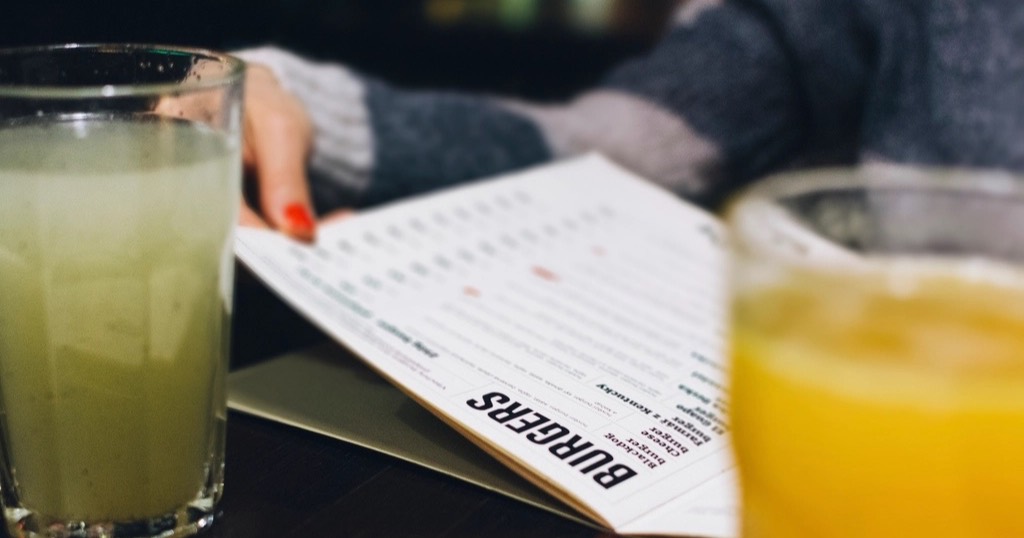
It is one of the most viewed things on any restaurant's website. Before booking, many people want to see the restaurant menu, the prices and whether there is something for everyone. Yet many websites offer a scanned PDF that is slow to open and forces you to zoom. That small detail makes many people leave without booking.
The problem with PDFs
- On a phone they read badly: you have to zoom and scroll around.
- They are heavy and slow on a weak connection.
- Google and AI assistants understand them less well than normal text.
- Every price change means remaking the file.
So, although a PDF is handy for printing, it should not be the only way to see your menu.
Why a web page works better
A page with dishes in text reads perfectly on any screen and loads instantly. In addition, Google can read every dish, so someone searching for "lobster rice in the old town" might find you. AI assistants also cite text-based information more easily. I explain why in writing copy for Google and AI.
What to include in your restaurant menu online
- Clear sections: starters, mains, desserts, drinks.
- The dish name and a one-line description.
- The price of each dish.
- Vegetarian, vegan or gluten-free labels.
- A few photos of signature dishes, not all of them.
Allergens: required online too
In the European Union, information on the fourteen main allergens is mandatory, including when you inform customers at a distance. It is set out in the EU food information regulation. So, in your online menu, show the allergens for each dish or explain clearly how to check them.
Your restaurant menu in English
If you get tourists, an English version is almost essential. A reviewed translation is better than an automatic one, which sometimes turns local dishes into something incomprehensible. English also helps you appear in visitors' searches.
Updating it without depending on anyone
Prices change, and so do seasonal dishes. So the menu should be easy to update in minutes. If you worry about doing it yourself, read do you need a CMS. And to fill tables without commission, continue with restaurant bookings without commission.
Set menus and off-menu dishes
If you offer a set lunch menu, give it its own section and update it every morning or, at least, every week. Many locals look for it mid-morning. Likewise, seasonal dishes can go in a separate section, so you do not have to redo the whole menu whenever they change.
If your restaurant is in Córdoba, see what restaurants in Córdoba need from their website. And if you also run a rural rental, you will like how to fill the low season.
What I build at Nueva Página
I design restaurant websites with the menu as text, readable on mobile, with prices, allergens and an English version if you need one. They also launch ready for Google and for AI assistants to find you. See prices in how much does a website cost and more ideas in the restaurant website guide.
Frequently asked questions
Should I remove the PDF?
There is no need. You can keep it as a download, but the main menu should be on the page.
Should I add photos of every dish?
No. A few good photos of signature dishes beat many average ones.
Do I have to show allergens on the website?
You must provide the information. The clearest way is to show it for each dish or explain how to check it.
How much does a website for my restaurant cost?
At Nueva Página, from €349 + VAT where applicable as a one-off payment, with no monthly fees.