A website for restaurants and bars: what your customers really look for
People choosing where to eat want the menu, opening hours, directions and a way to book in seconds on their phone. What a restaurant website should include.
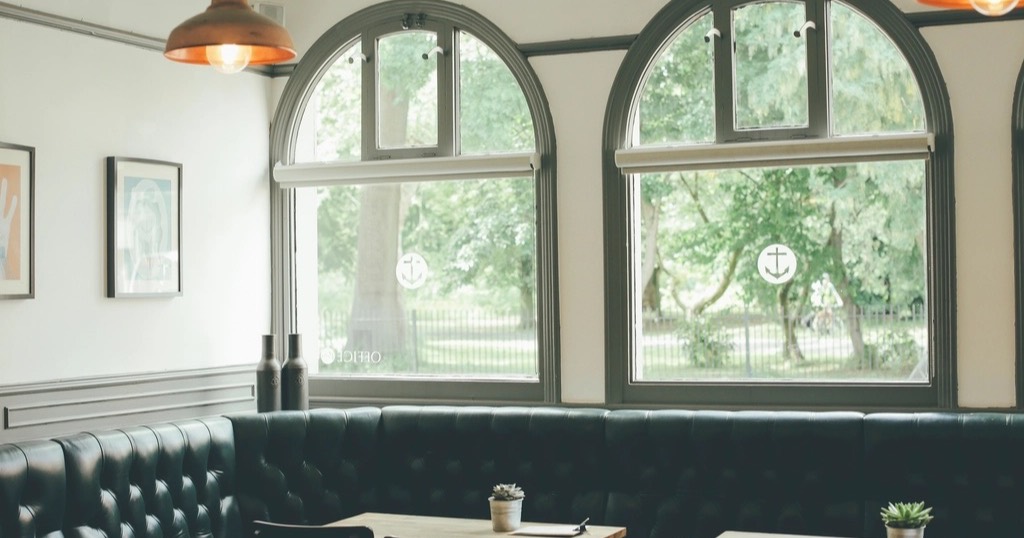
Deciding where to have lunch or dinner takes a couple of minutes, almost always on a phone and often on the way. Your restaurant website competes at that moment with your Google profile and booking platforms. So, to win, it has to deliver the essentials instantly.
The essentials of a restaurant website
The menu, readable on mobile
Not a 10 MB PDF you have to pinch to zoom: the menu as text, with prices, organised by section. That way it reads better, is easy to update and Google understands it. Show allergens or how to ask about them.
Opening hours and closing days
Up to date, including holidays. Few things annoy people more than arriving to find you closed.
How to get there
Address, map, nearby parking or public transport.
Easy booking
A visible booking button: tappable phone, WhatsApp or a booking system. If you use an external platform, link to it, but consider also having a direct, commission-free channel.
Photos that make people hungry
Real dishes, the place with people in it, the terrace. In fact, here a good photo shoot really pays off; tips in photos for your website.
What adds value to a restaurant website
- Set menu or seasonal specials, if you have them.
- Groups and events: company meals, celebrations, with a request form.
- Special options: vegetarian, gluten-free, children.
- Your story, briefly: who is behind it and what cooking you do.
- Languages: in tourist areas, a version in English (and other languages) makes a real difference.
Google Maps, your best ally
For a restaurant, the Google Business Profile is almost as important as the website: hours, photos, menu, reviews and a booking button. Keep both consistent. Guide in how to get on Google Maps.
Typical restaurant website mistakes
- Menu as a PDF or a photo.
- Out-of-date hours.
- A website that takes ages on 4G.
- Music or video that plays by itself.
- No clear button to book.
Does a restaurant need a big website?
Usually not. A well-made one-page website (who you are, menu, hours, directions, booking) covers almost everything. If you need to update the menu often, it can be set up so you change it yourself. See what it would cost in the cost calculator.
Menu, allergens and languages on a restaurant website
The menu is the most visited part of a restaurant website, so it deserves care. Publish it as text, with prices and grouped by section, never as a photo or a heavy PDF. In addition, show the allergens in each dish: rules in Europe and the UK require that information, and the UK's Food Standards Agency explains it in its allergen guidance for food businesses.
If you are in a tourist area, a version in other languages makes a big difference, because many people looking for somewhere to eat do not speak the local language. On the other hand, a text menu also helps Google and AI: when someone asks "where to eat paella in Valencia", they can read your dishes and recommend you. For photos that look right, read photos for your website. A clear menu is half the booking.
If you work in a similar sector, the guides to a garage website and a online shop for a local store may also help.
Frequently asked questions
Can I take bookings on my website without paying commission?
Yes, with your own booking system on your website, paid once. More in online booking.
How often should I update the menu?
Every time it changes. After all, a menu with dishes you no longer serve creates bad experiences.
Isn't Instagram enough for a restaurant?
It is a great shop window, but it does not answer "are they open today?" or rank on Google like a website. Compared in website or social media.
How much is a restaurant website?
At Nueva Página, a one-page website with menu, hours and WhatsApp bookings costs €349 + VAT where applicable as a one-off payment. Work it out in the cost calculator.